

Top 5 3D Home Design Software


Top 5 3D Home Design Software for Architects and Homeowners
Let’s be honest: trying to plan a home renovation with just a pencil and paper is a recipe for a headache. We’ve all been there, staring at a blank floor plan and wondering if that new sectional will actually fit or if a navy blue accent wall is a terrible mistake. This is exactly why 3D home design software has become such a game-changer lately. If you’re new to the concept, understanding what 3D home design is and why it’s transforming modern house planning can help you see why so many homeowners and architects now rely on digital design tools before building. It isn’t just for people with architecture degrees anymore; it’s for anyone who wants to stop guessing and start seeing what their ideas look like in the real world.
Think of this software as a “try before you buy” tool for your house. Instead of moving heavy furniture three times or painting a room only to hate the color, you can do it all digitally in about five minutes. I like to think of the best 3D home design software as a bridge between that vision in your head and the reality of your living room. It takes the stress out of the process because you can make all your “mistakes” on a computer screen where they don’t cost a dime to fix.
If you’re just starting out, you might feel like these tools are too technical, but I promise you that’s not the case anymore. Many of today’s options are built specifically to be 3D home design software for beginners. Whether you’re a professional looking for high-end home design software for architects or a homeowner just wanting to play around with a kitchen layout, there is something on this list that will feel like it was made just for you. Let’s walk through the top five options together. Choosing the right tool often depends on your experience level, budget, and project goals, which is why many homeowners find it helpful to explore a complete guide to 3D home design tools and techniques before settling on a specific software.
1. SketchUp: The Easiest Way to Start Drawing in 3D
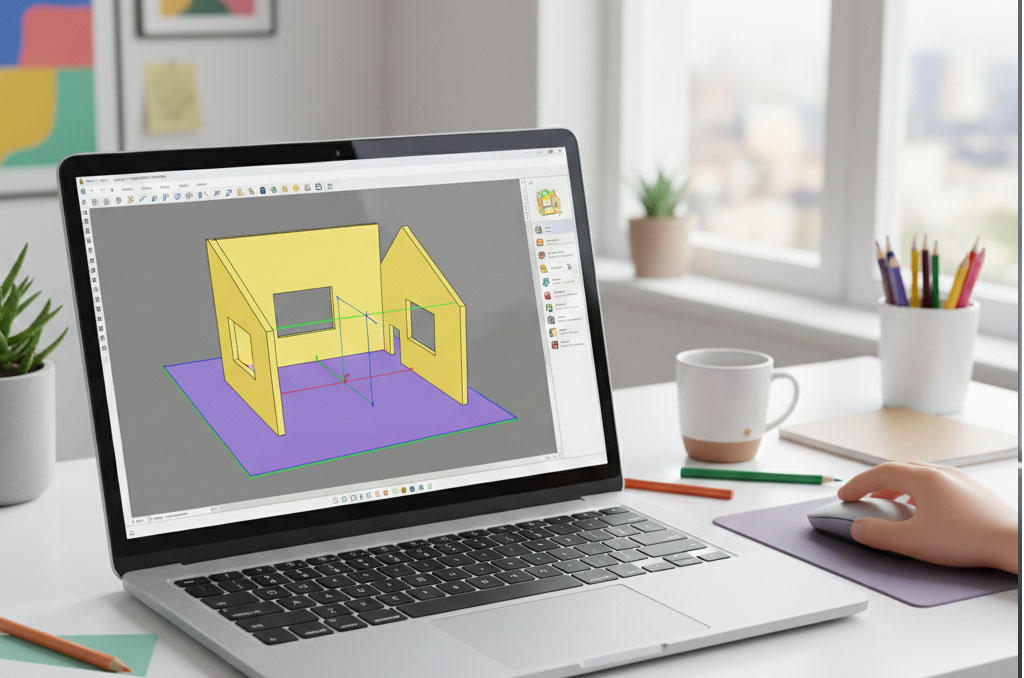 If you’ve ever used a basic drawing app on your phone, you’ll probably find SketchUp surprisingly easy to pick up. It’s widely loved as the best 3D home design software for people who want to get their ideas down fast without learning a thousand different keyboard shortcuts. The main reason I recommend it is the “Push/Pull” tool. It’s exactly what it sounds like—you draw a flat shape like a square, click it, and pull it up to turn it into a 3D wall. It feels less like “engineering” and more like building with digital blocks.
One of the biggest perks of using SketchUp is the access to the 3D Warehouse. This is a massive, free library where you can find almost anything you’d want to put in a house. Need a specific Bosch dishwasher or a West Elm sofa? Someone has likely already modeled it, and you can just drop it into your project. This makes it a fantastic 3D house design software because you don’t have to waste time drawing every single chair or lamp from scratch; you can focus on the big picture of your design—especially when testing layouts commonly used in modern Nigerian house plans and residential designs
For those of you looking for a career in the field, SketchUp Pro is also a very respected 3D architectural design software. It’s used by pros for the “sketching” phase of a project because it’s so much faster than traditional tools. You can start with a rough idea in the morning and have a fully decorated, walkable 3D house by lunch. It’s the perfect middle ground—simple enough for a weekend DIYer but powerful enough for a pro to use on a daily basis.
2. Chief Architect: The Powerhouse for Real-World Building
If your goal is to actually build or renovate a house, Chief Architect is probably the most practical tool you can find. While some apps just make things look pretty, this is true home design software for architects and builders. What sets it apart is that it’s “smart.” When you draw a wall, the software isn’t just showing you a line; it’s actually calculating the wood, the insulation, and the drywall needed. This is a huge help if you’re trying to stay on budget or explain things to a contractor.
I often tell homeowners that they’ll love this as a 3D house plan software because it automates the boring stuff. For instance, if you move a wall, the roof automatically adjusts itself to fit the new shape. You don’t have to be an expert in geometry to make a house look right. It’s definitely more detailed than some of the “app-style” tools, but for anyone serious about a construction project, it’s easily the best 3D home design software for homeowners who want professional results without having to go back to school for a degree.
The visuals are also top-notch. You can create “renderings,” which are basically photos of your design that look almost like real life. This is where it shines as 3D home modeling software. You can see exactly how the light from your windows will hit the kitchen counter at different times of the day. Having that kind of clarity before you start buying materials can save you thousands of dollars in “oops” moments down the road.
3. Planner 5D: Design Your Home Right from Your Tablet
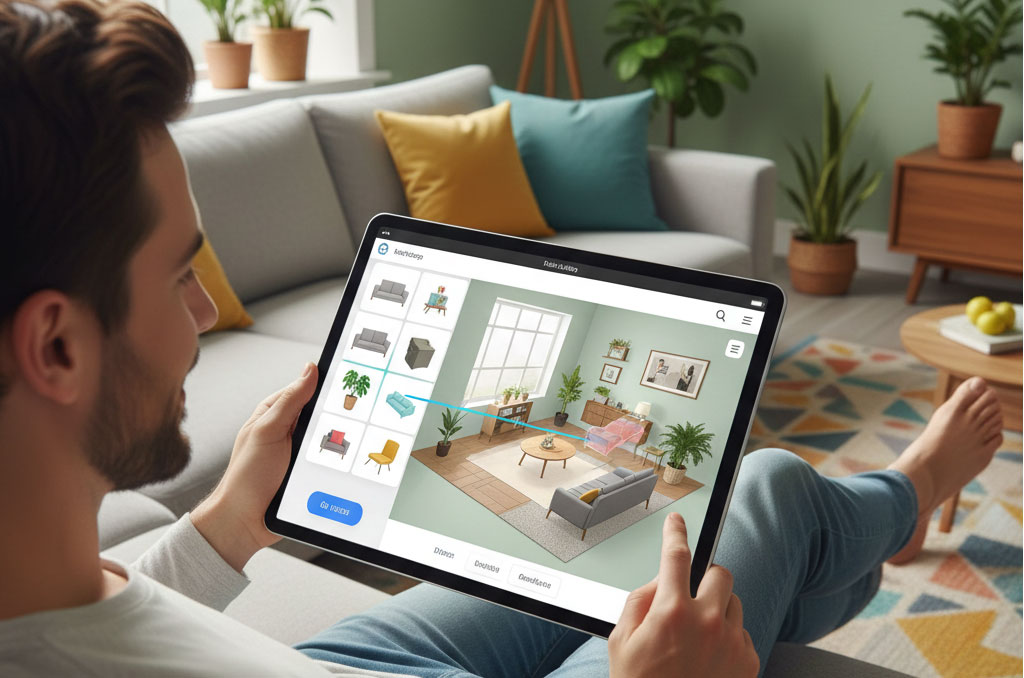 Not everyone wants to sit at a desk with a mouse to design their home. Planner 5D is perfect if you’d rather sit on your sofa with an iPad or phone and “swipe” your way to a new room. It’s designed to be the most 3D home design software for beginners because it feels more like a game than a technical program. You just drag a sofa from the menu and drop it into the room. If you want to change the floor from wood to tile, you just tap it.
A really cool feature of this 3D house design software is its AI floor plan recognition. You can literally take a photo of a floor plan you sketched on a napkin, and the app will turn it into a 3D model for you. It takes away all the tedious work of measuring and drawing lines, which is why many homeowners use tools like this to preview ideas early—something that can significantly reduce mistakes, as explained in how 3D home design helps save money during renovations
Despite being so simple to use, it still has a massive library of furniture and materials. You can spend hours swapping out different rug patterns or trying different kitchen cabinet colors. It’s an amazing 3D home modeling software for testing out styles. If you’re torn between a modern look and a farmhouse vibe, you can create both versions in Planner 5D and see which one actually feels like “home” before you commit.
4. Revit: The Industry Standard for Professionals
If you’re looking for what the big-name firms use, it’s Revit. This is the “big league” of 3D architectural design software. Unlike the simpler tools, Revit uses something called BIM (Building Information Modeling). This means every single thing in your 3D model is connected. If you change the size of a door in your 3D view, it automatically changes that door in your 2D floor plans, your price list, and your construction schedule. Everything stays perfectly in sync. This level of precision is especially important for large residential projects and custom builds, where detailed planning plays a major role in achieving accurate results. This is where understanding plan types helps — so if you’re wondering why 3D models matter compared to technical drawings, read 2D vs 3D House Plans — Which Is Better for Your Project? to see how each format is used in real building projects.
Because it’s so powerful, it’s widely considered the top 3D home design software for architects working on complex projects. It’s great for collaboration—an architect, an electrician, and a plumber can all work on the same model at once. It ensures that nobody accidentally puts a sink where a light switch is supposed to go. It’s much more technical than the other options, but if you’re planning a massive custom build or looking to get into the industry, this is the tool you’ll eventually need to know.
For a homeowner, Revit might be a bit much for a simple bedroom refresh, but it’s the ultimate 3D house plan software for high-end custom homes. It can simulate everything from how much heat your house will lose in the winter to how much the whole project will cost down to the last nail. It’s less about “decorating” and more about “engineering” a perfect living environment. It’s a serious tool for serious projects.
5. Sweet Home 3D: The Best Free Option for Everyone
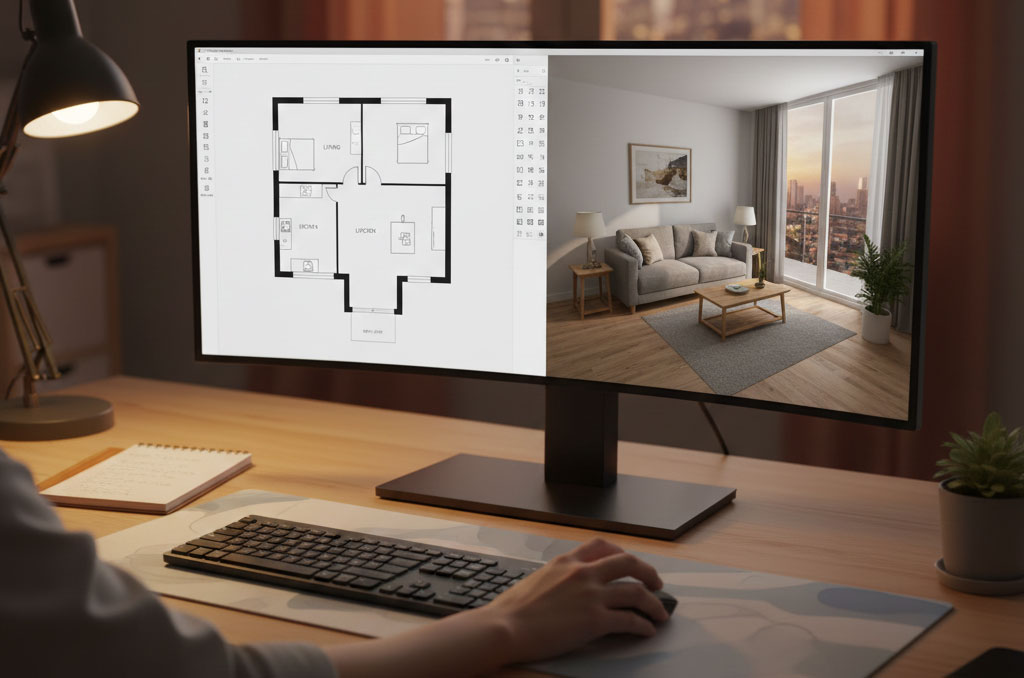 If you’re on a budget and just want a reliable, free tool that gets the job done, Sweet Home 3D is a fantastic choice. It’s open-source, which means it’s totally free and made by people who just want to help others design. It’s one of the most straightforward 3D home design software for beginners because of its split-screen view. You draw your walls in 2D on the top half of the screen, and you watch the 3D version pop up instantly on the bottom half. It’s very satisfying to see your house grow as you draw.
Don’t let the “free” price tag fool you; it’s a very capable 3D house design software. You can import your own photos to use as textures for walls or floors, and there’s a huge community where you can download extra furniture models for free. It’s perfect for answering simple questions like, “Will my current furniture fit in this new apartment?” or “How would the living room look if I moved the TV to the other wall?”
It’s also very “light,” meaning you don’t need a $2,000 gaming computer to run it. It works on almost any laptop. For many of my readers, this is the best 3D home design software simply because it doesn’t have any hidden costs or complicated menus. It does exactly what it says: it helps you design a “sweet home” in 3D without any of the stress or high costs of professional software.
Conclusion: Ready to Start Your Next Project?
At the end of the day, the best 3D home design software is the one that you actually feel comfortable using. If you just want to see if a new rug looks good, you don’t need the heavy-duty power of Revit. On the flip side, if you’re drawing up plans for a real-life construction crew, you’ll want something more robust like Chief Architect. The point is to find a tool that helps you feel confident about your choices.
Using 3D house plan software isn’t just a fun way to pass the time; it’s a smart way to plan. It helps you talk to contractors, explain your ideas to your family, and most importantly, it gives you peace of mind. You’ll know exactly what you’re getting before the first piece of lumber is even delivered. It’s all about making the process of creating a home as smooth and enjoyable as possible.
So, which one are you going to try first? Whether you’re diving into 3D architectural design software for a new career or just playing around with a free app on your tablet, the most important step is just to start. Every dream home begins with a single digital wall and if you’re looking for design ideas, trends, and inspiration for layouts or remodeling ideas, explore more posts in the HousePlanNG Blog for guides on layouts, renovation tips, and more. Go ahead and start building yours today—you might be surprised at how much fun it actually is!


awasome website